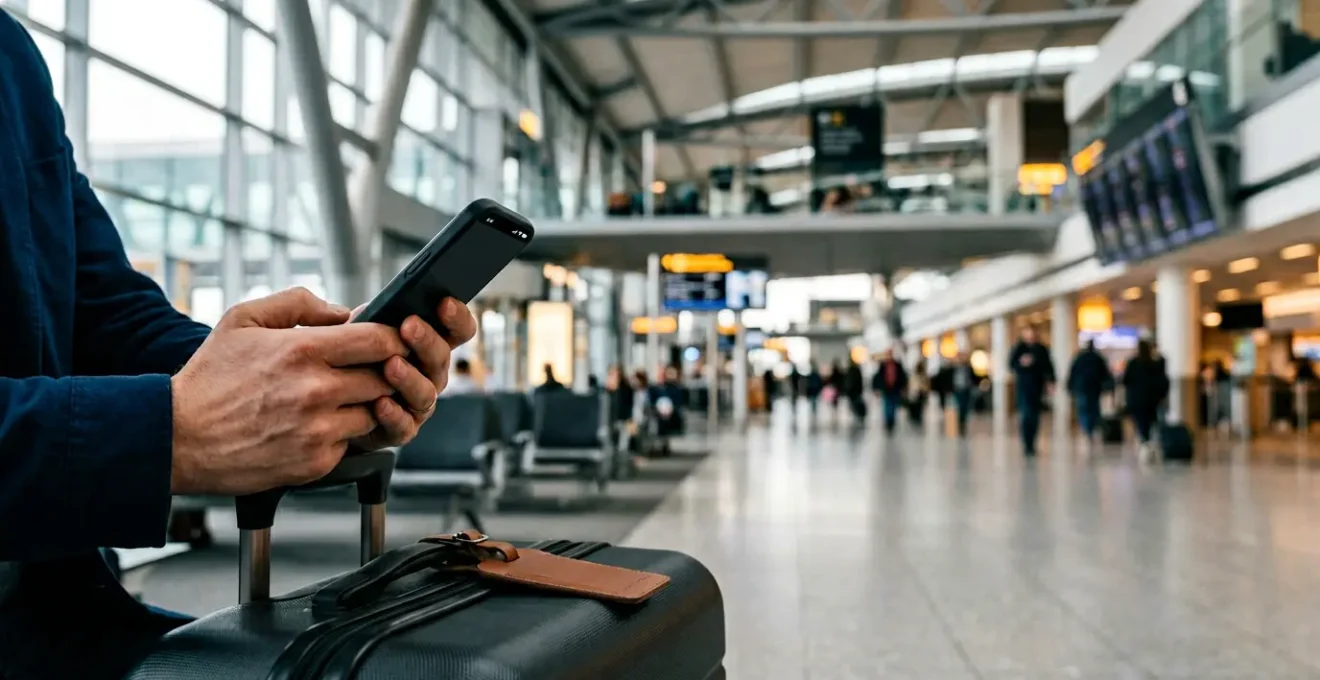
Unreliable travel WiFi is not a minor inconvenience; it’s a critical point of failure in modern travel.
- Reactive tactics, like simply searching for public WiFi, are designed to fail under pressure.
- A proactive approach involves building a redundant system with backups for every scenario, from airport to hotel.
Recommendation: Stop hoping for a signal and start building your own Personal Connectivity Protocol to guarantee access.
The feeling is universally dreaded: the spinning wheel of a loading icon as you’re trying to download a boarding pass, the frozen face on a video call from your hotel room, the « no connection » error when you’re lost in a new city. For the digitally dependent traveller, a loss of internet is more than an annoyance—it’s a complete breakdown of the journey’s operational backbone. You’ve likely been told the standard advice: hunt for free public WiFi, consider buying a local SIM card, or download a map for offline use.
While these tips have merit, they are fundamentally reactive. They treat connectivity as a resource to be found, rather than a system to be managed. This approach leaves you vulnerable at the most critical moments, like during a tight airport connection or when you urgently need to confirm a booking. But what if the entire framework for thinking about travel internet is flawed? What if the key isn’t to get better at *finding* a connection, but at *assuring* one through a deliberate strategy?
This guide abandons the tactical, hope-based approach. Instead, we will construct a robust Personal Continuity Protocol for your digital life on the road. We will dissect each potential point of failure in your journey and equip you with the strategies and tools to build a resilient, multi-layered connectivity system that ensures you remain online, secure, and productive, no matter where your travels take you.
To achieve this, we will deconstruct the travel experience into its core connectivity challenges, providing actionable assurance strategies for each. This structured approach will guide you from the vulnerabilities of public networks to the guarantees of a well-planned digital toolkit.
Summary: A Blueprint for Uninterrupted Travel Connectivity
- Why Airport WiFi Fails When You Most Need It During Short Connections
- How to Verify Hotel WiFi Is Genuinely Unlimited Versus Data-Capped Plans
- Mobile Hotspot or Venue WiFi: Which Delivers More Reliable Travel Connectivity?
- The Public WiFi Security Risk That Compromises 30% of Travelers’ Data
- How to Download Offline Content to Eliminate Connectivity Dependencies During Travel
- How to Test Hotel WiFi Connection Speed Before Checking In
- How to Locate Secure Luggage Storage Within 500m of Major Train Stations
- Guaranteeing Business-Critical WiFi Reliability for Productive Work During Travel
Why Airport WiFi Fails When You Most Need It During Short Connections
The promise of free airport WiFi is a cornerstone of modern travel, yet it often collapses precisely when stakes are highest: during a brief layover. The primary cause is not a lack of infrastructure, but extreme, concentrated demand. When thousands of passengers deplane simultaneously, the network access points become overwhelmed, leading to connection timeouts, crawling speeds, and an inability to even load the captive portal login page. This phenomenon is known as network congestion, and it turns a seemingly robust service into a digital bottleneck.
Furthermore, the quality of these networks varies dramatically. An analysis of major U.S. airports revealed a massive performance chasm; while some hubs boast median download speeds over 150 Mbps, others struggle to provide even a fraction of that. According to an Ookla Q3 2024 analysis, performance can vary by nearly 200 Mbps between the best and worst airports. This means you cannot assume a consistent level of service. Your Personal Continuity Protocol must anticipate this failure. Assume the airport WiFi will be unusable and have a secondary connection, like a mobile hotspot, ready to deploy instantly for critical tasks like rebooking a flight or communicating delays.
Ultimately, treating airport WiFi as a guaranteed resource is a strategic error. View it as a potential bonus, but never the lynchpin of your connectivity plan during a tight connection.
How to Verify Hotel WiFi Is Genuinely Unlimited Versus Data-Capped Plans
The term « Free WiFi » in hotel marketing is one of the most powerful draws for guests, with research showing that a staggering 96% of guests expect it. However, this expectation has created a landscape where the promise often masks a frustrating reality of tiered systems, data caps, and « fair use » policies that throttle your speed after a certain threshold. A hotel might offer « free » basic WiFi that’s only suitable for checking emails, while a « premium » paid tier is required for video calls or streaming. This is a critical point of failure for any business traveller or digital nomad.
To verify the true nature of a hotel’s internet service, you must move beyond the marketing promises on the booking page. The first step is to scrutinize the hotel’s official website or contact them directly. Look for specific language. Vague terms like « high-speed internet » are red flags. More reliable indicators include phrases like « fibre-optic connection, » « symmetrical speeds » (meaning upload and download are equal, crucial for video calls), or a clear statement of « unlimited data. » If the information is not available, call the front desk and ask specifically: « Is there a data cap or a fair use policy on your standard free WiFi? » If you’re travelling for work, frame your question from a business perspective: « I need to conduct several hours of video conferencing. Is your standard WiFi connection sufficient, or do I need to purchase a premium package? » This direct questioning cuts through the marketing ambiguity and forces a concrete answer, allowing you to make an informed booking decision.
By treating WiFi verification with the same diligence as checking room amenities, you prevent a common and entirely avoidable disruption to your productivity and communication.
Mobile Hotspot or Venue WiFi: Which Delivers More Reliable Travel Connectivity?
The choice between using freely available venue WiFi (in a hotel, café, or airport) and deploying your own mobile hotspot is a central decision in your connectivity strategy. Each has distinct strengths and weaknesses that make them suitable for different tasks. Venue WiFi’s primary advantage is its lack of impact on your mobile data plan and device battery. Conversely, a mobile hotspot offers a personal, often more secure connection, but at a cost. For example, using a phone as a hotspot can be a significant power drain, with some tests showing a 14% battery depletion per hour.
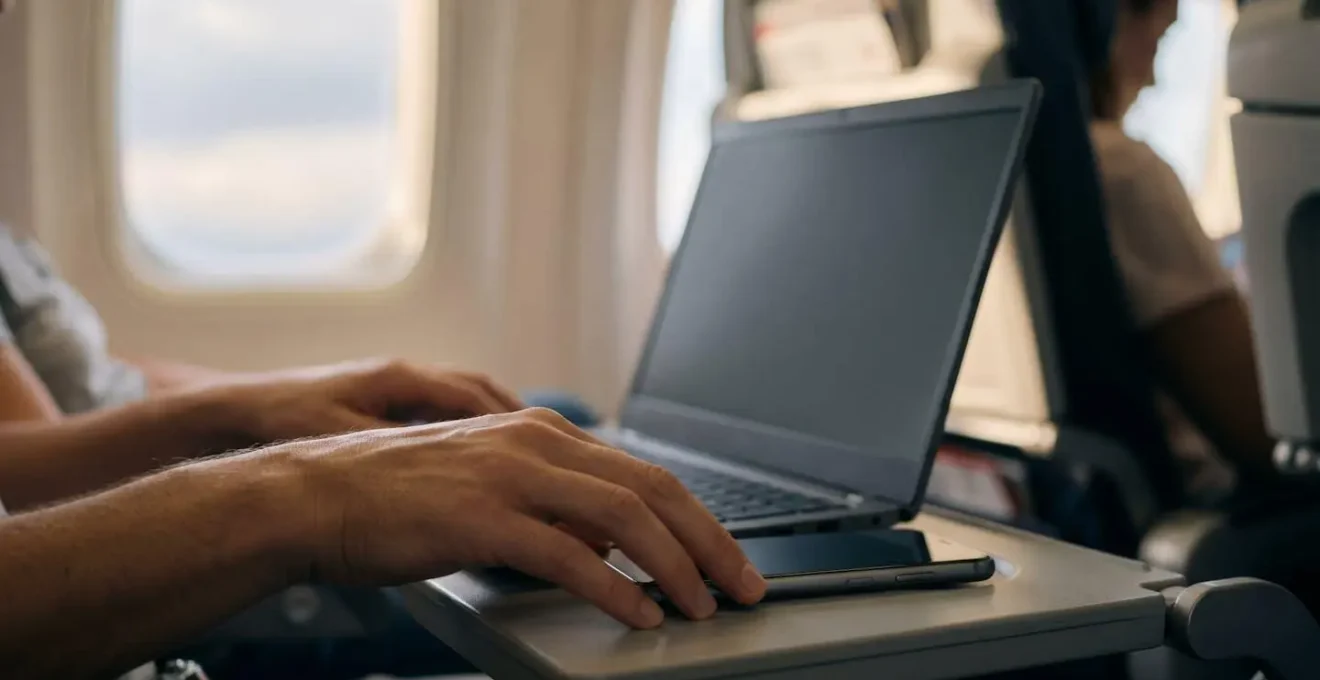
This trade-off between cost, security, and convenience means there is no single « best » option; the right choice is situational. Your protocol should dictate which to use based on the task at hand. For general browsing, light work, or downloading large files, the venue WiFi is often the logical first choice, provided you have secured it with a VPN. For sensitive transactions like online banking, accessing work servers, or any task requiring a stable, private connection, the mobile hotspot is the superior, non-negotiable option. A robust protocol involves having both ready and understanding when to deploy each.
To make this decision more systematic, consider the following factors. This decision matrix helps you choose the right tool for the job, ensuring both reliability and efficiency.
| Factor | Mobile Hotspot | Venue WiFi | Best Use Case |
|---|---|---|---|
| Security | High (encrypted, private) | Low to Medium (public, often unencrypted) | Banking, sensitive work: Use hotspot |
| Speed Consistency | Depends on cellular signal | Varies by congestion | Video streaming: Test venue WiFi first |
| Battery Impact | 10-14% drain per hour | Minimal (device only) | Long work sessions: Venue WiFi with power outlet |
| Data Cost | Consumes cellular data allowance | Free (typically) | Data conservation: Venue WiFi for browsing |
| Reliability | Subject to carrier throttling after cap | Subject to captive portal issues | Critical calls: Dedicated MiFi device recommended |
| Setup Time | Instant (if signal available) | 2-5 minutes (portal login) | Quick tasks: Mobile hotspot |
The ultimate strategy for a business-critical traveller is redundancy: using venue WiFi as the primary connection while keeping a mobile hotspot ready as an instant failover.
The Public WiFi Security Risk That Compromises 30% of Travelers’ Data
While the title states a 30% risk, the reality can be just as concerning across different environments. Public WiFi networks, by their very nature, are a significant security liability. They are often unencrypted, meaning that a malicious actor on the same network can potentially intercept your data. This isn’t a theoretical threat; research consistently highlights the danger. For instance, Statista reports that up to 25% of users have experienced a security compromise on public WiFi. These attacks range from « Man-in-the-Middle » attacks, where an attacker intercepts communication, to « Evil Twin » networks, where a fake, malicious WiFi network mimics a legitimate one to steal your credentials.
For the digitally dependent traveller, connecting to an unsecured public network without safeguards is the digital equivalent of leaving your luggage unattended. It is imperative that your Personal Continuity Protocol includes a non-negotiable security layer. The single most effective tool for this is a Virtual Private Network (VPN). A VPN creates an encrypted tunnel for your internet traffic, making it unreadable to anyone trying to snoop on the network. Using a VPN should be an automatic reflex before connecting to any WiFi you do not personally control.
Beyond using a VPN, a multi-layered security protocol is essential for mitigating risk. Here are the core actions to take every time you connect to a public network:
- Verify the Network: Always ask staff for the official WiFi network name (SSID). Avoid connecting to similarly named, open networks, which could be « Evil Twin » traps.
- Enable VPN First: Connect to your VPN *before* you do anything else. This ensures all subsequent traffic, including browser data and app communications, is encrypted.
- Disable Auto-Connect: Turn off your device’s feature to automatically join known or open WiFi networks. This prevents it from connecting to a potentially malicious network without your consent.
- Avoid Sensitive Transactions: Even with a VPN, it’s best practice to avoid accessing banking portals or entering credit card information on public WiFi. If you must, your mobile hotspot is a far safer alternative.
- Use a Mobile Hotspot When in Doubt: For any critical or sensitive task, defaulting to your phone’s cellular data as a personal hotspot completely bypasses the risks of the public network.
These steps are not suggestions; they are the essential rules of engagement for using public internet infrastructure safely and maintaining the integrity of your data.
How to Download Offline Content to Eliminate Connectivity Dependencies During Travel
The most resilient connectivity protocol is one that functions even with zero signal. Building a comprehensive « Digital Briefcase » of offline content is the ultimate safety net, transforming your device from a connection-dependent tool into a self-sufficient resource. This goes far beyond just downloading a map of a single city. A true offline strategy anticipates every stage of your journey and prepares for it while you still have a reliable, high-speed connection (like at home or in your hotel).

The process begins with a mindset shift: identify every piece of information you might need and assume you will not be able to look it up on the fly. This includes not just navigation but also reference materials, documents, and entertainment. For example, instead of just downloading a city map, download the entire regional map covering your travel corridor, including the routes between cities. Instead of bookmarking articles, save them to an app like Pocket for offline reading. This proactive curation of data ensures that a lack of internet does not translate into a lack of information.
Your Digital Briefcase should be a core component of your pre-travel checklist. Here is a comprehensive guide to preparing your digital toolkit for zero-connectivity scenarios:
- Maps & Navigation: Use Google Maps or Maps.me to download offline maps for entire regions, not just city centers. Include public transit routes if available.
- Language & Communication: Install offline language packs for your destination countries in an app like Google Translate.
- Essential Documents: Create a secure, password-protected folder on your device containing PDFs of your passport, boarding passes, hotel confirmations, and travel insurance policy.
- Reference & Guides: Save web articles, guides, and reservation details to an app like Pocket or Evernote for offline access. For deep research, you can even download a full, searchable copy of Wikipedia using Kiwix.
- Recreation & Itinerary: If you plan on hiking, download trail maps via an app like AllTrails. Pre-load entertainment from services like Netflix or Spotify to conserve mobile data and pass time during transit.
This simple habit is one of the most powerful ways to ensure a smooth, stress-free journey, making you immune to the chaos of a downed network.
How to Test Hotel WiFi Connection Speed Before Checking In
Booking a hotel based on a vague promise of « free WiFi » is a gamble no productive traveller can afford to take. The difference between a sluggish 3 Mbps connection and a blazing-fast 50 Mbps connection can be the difference between a frustrating evening and a successful work session. As one technology analysis notes, these generic descriptions are effectively meaningless without concrete data.
Hotels describe their Internet access as ‘fast’ or ‘broadband,’ and leave it at that. But such overly broad descriptors are as applicable to sluggish 3 Mbps download speeds as they are to blazing-fast 50 Mbps speeds.
– SmarterTravel Technology Analysis, SmarterTravel Hotel WiFi Guide
To move from gambling to assurance, you need to become an intelligence gatherer. For a hotel, a good WiFi speed for general use (streaming, browsing) starts at 10-15 Mbps. For a business traveller relying on video calls, a stable 25 Mbps or higher with low latency is the target. Fortunately, several resources allow you to gather this data before you commit to a booking. Crowdsourced databases and community forums provide real-world insights that cut through marketing fluff. This pre-booking reconnaissance is a critical step in ensuring your chosen accommodation meets your digital needs.
Here are the key methods for gathering pre-booking WiFi intelligence:
- Consult WiFi Databases: Websites like HotelWiFiTest.com compile user-submitted speed test results for hotels worldwide, often with a « confidence level » score.
- Search Professional Communities: Search for the hotel’s name on Reddit forums like r/digitalnomad or r/remotework. Reviews from fellow professionals are often brutally honest about connectivity quality.
- Analyze Marketing Language: Look for specific, technical terms. « Fiber optic, » « symmetrical speeds, » or mentions of a dedicated « business center with ethernet » are positive indicators of real investment in infrastructure.
- Call as a Corporate Client: Don’t just ask the front desk « is the WiFi good? ». Instead, ask a more technical question like, « What is your typical download and upload speed? » or « Do you have a service-level agreement for business connectivity? ». This often gets you past the standard script.
- Cross-Reference Speed Tests: If you find data, cross-reference it across multiple sources like Ookla Speedtest and Bandwidth Place to look for consistency.
This due diligence ensures your hotel room is not just a place to sleep, but a reliable base of operations for your digital life.
How to Locate Secure Luggage Storage Within 500m of Major Train Stations
A seamless travel day often hinges on solving logistical « in-between » problems, such as what to do with your luggage between checking out of your hotel and a late train departure. This task, while not directly about internet, is entirely dependent on it. Locating, booking, and navigating to a secure luggage storage facility requires a reliable connection. Attempting this on the fly with spotty public WiFi or dwindling mobile data is a recipe for stress. This is a classic « transitional moment » where a lack of pre-planning can derail your day.
The solution is to integrate this task into your connectivity protocol. You must use your last point of guaranteed, high-quality internet—your hotel WiFi—to plan for your next point of uncertainty. Before you check out, dedicate ten minutes to finalizing your luggage storage plan. This involves not only finding a location but also completing the booking, saving the confirmation, and ensuring you can navigate there without an active connection. This act of « forward planning » is a core tenet of travel continuity.
Follow this offline-ready protocol to handle luggage storage with zero friction:
- Pre-Book While Connected: While still on your reliable hotel WiFi, use an app like Nannybag, Bounce, or LuggageHero to find and book a storage spot near the station. Complete the payment and reservation process.
- Save to Offline Maps: Once booked, add the storage location’s address as a pinned point in Google Maps or Maps.me. Crucially, download the surrounding map area for offline navigation.
- Screenshot All Details: Take a screenshot of the booking confirmation, which should include the QR code, exact address, and business hours. Save this to your phone’s photo gallery for easy access without internet.
- Verify Dual Benefits: When choosing a location, check if it’s inside a café or shop. This can provide a secondary benefit: a place to wait and potentially a new source of free WiFi, turning your storage point into a temporary connectivity basecamp.
- Check Security Cues: Quickly read a few reviews for your chosen location, specifically looking for mentions of « security, » « insurance, » or « staffed. » Prioritize established public-facing businesses over private backroom arrangements.
It exemplifies the principle of using moments of good connectivity to prepare for and eliminate the challenges of transitional periods with poor or no connectivity.
Key Takeaways
- Public WiFi (airports, cafes) should be treated as a bonus, not a reliable resource, due to congestion and security risks.
- A Personal Continuity Protocol, involving redundancy and pre-planning, is more effective than reactively searching for a connection.
- True connectivity assurance comes from a multi-layered system: venue WiFi as a base, a mobile hotspot as a failover, and a robust offline « Digital Briefcase » as the ultimate backup.
Guaranteeing Business-Critical WiFi Reliability for Productive Work During Travel
For the business traveller, connectivity is not a luxury; it is the essential utility that powers productivity. A single dropped video call or a missed email can have significant professional consequences. Therefore, relying on a single connection source is an unacceptable risk. The ultimate form of connectivity assurance is structured redundancy. This means creating a personal network ecosystem with at least two, and ideally three, independent connection options that you can switch between seamlessly. This « Connectivity Redundancy Triangle » forms the bedrock of a truly resilient Personal Continuity Protocol.
This system anticipates failure and makes it irrelevant. If the hotel WiFi becomes congested, you switch to your mobile hotspot. If your primary mobile carrier has poor signal, you deploy a portable MiFi device with a SIM from a different carrier. Advanced software solutions even allow you to bond these connections together, using them simultaneously for an unbreakable link. This level of preparation moves you from being a victim of circumstance to the master of your digital environment, ensuring your workflow is never interrupted by external factors.
Case Study: Channel Bonding for Unbreakable Connectivity
Technologies like Speedify’s channel bonding provide a practical application of this redundancy principle. The software simultaneously uses multiple internet sources, such as your hotel’s WiFi and your phone’s cellular data, blending them into a single, more robust connection. Real-world use shows this drastically reduces packet loss and provides seamless failover. If the hotel WiFi momentarily drops during a video conference, the cellular connection instantly picks up the slack, maintaining the session without any noticeable interruption. This is the gold standard for anyone whose work depends on uninterrupted real-time communication.
Your 5-Step Travel Connectivity Audit
- Identify Touchpoints: List all critical moments you’ll need internet on your next trip (e.g., airport layover, booking a taxi, client video call, navigating to your hotel).
- Inventory Your Tools: List your current connectivity assets (primary phone plan with hotspot data, VPN subscription, power bank, spare charging cables).
- Assess Redundancy: For each touchpoint, can you identify a Primary, Secondary, and Tertiary connection option (e.g., Hotel WiFi -> Phone Hotspot -> Offline Map)? Where are your single points of failure?
- Test for Resilience: Before you travel, stress-test your system. Can you work for 30 minutes using only your phone’s hotspot? Is your VPN client installed and logged in on all devices?
- Build Your Action Plan: Based on the gaps identified, create a pre-travel checklist (e.g., « Purchase an eSIM for Europe, » « Download offline maps for London, » « Fully charge power bank »).
Your next trip deserves zero connectivity failures. Begin building your Personal Continuity Protocol today by auditing your current tools and identifying your critical touchpoints.